Your event guest list is duct-taped together
Building the event guest list takes forever. Leaders approve names they barely recognize. You're left hoping the reps follow up. It all ends today.








Tables got smarter
Your invite list comes together in minutes
Your approvals don't need you anymore
You see every follow-up as it happens
One table to
collaborate, decide and act
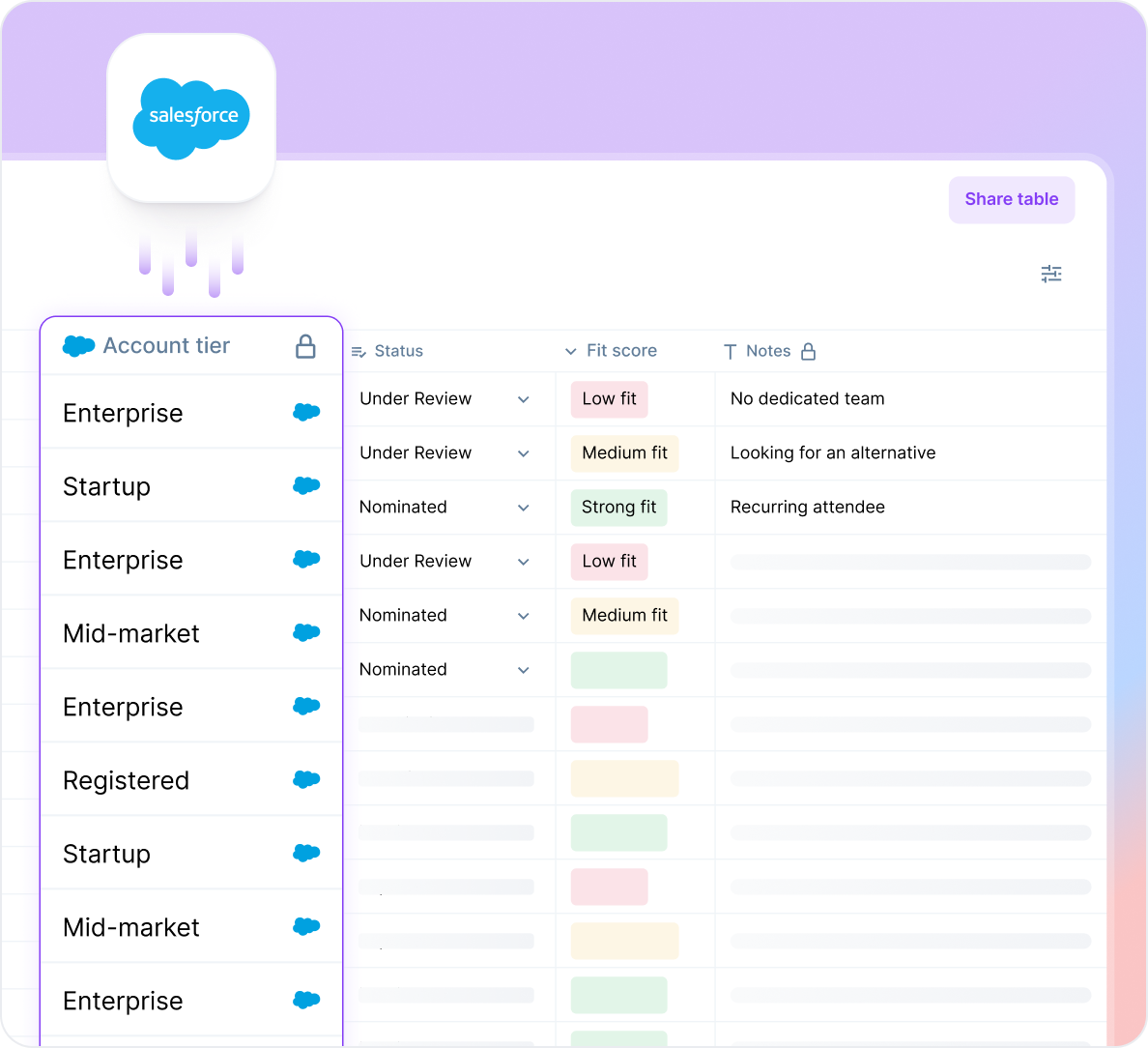
Invite List Building
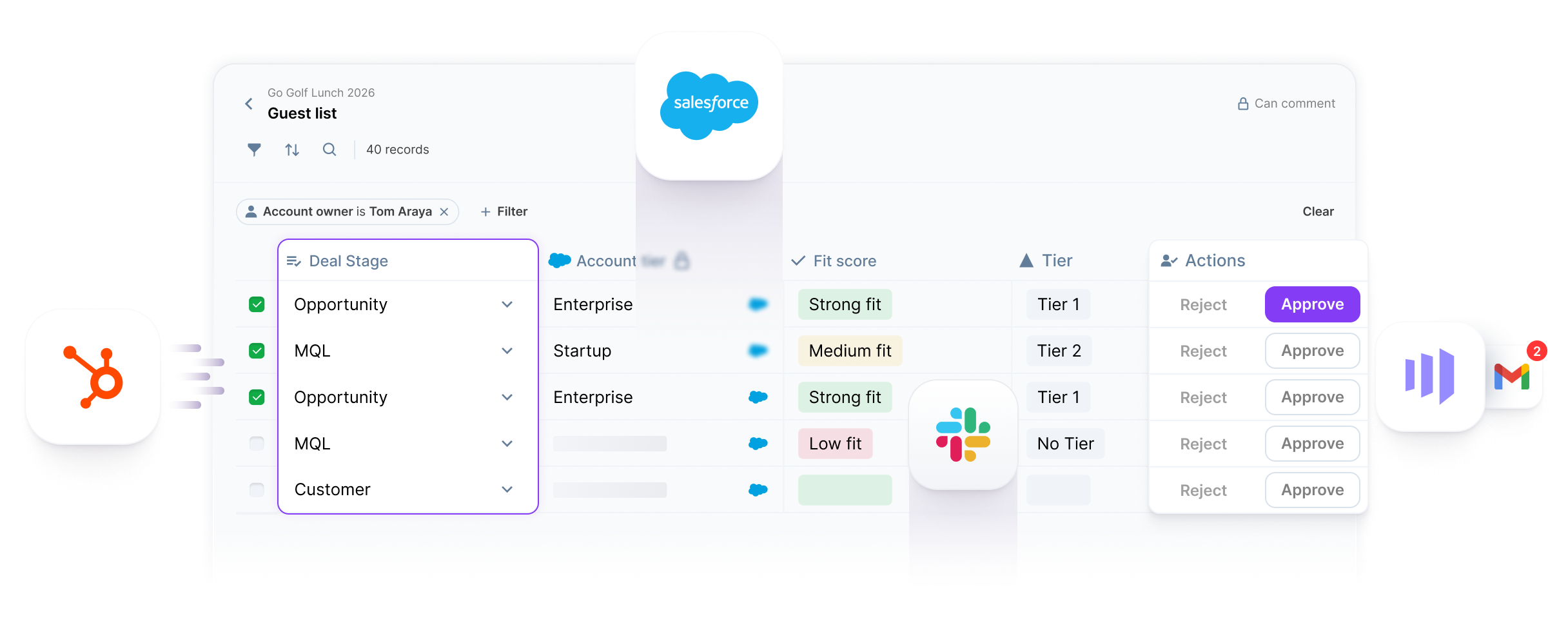
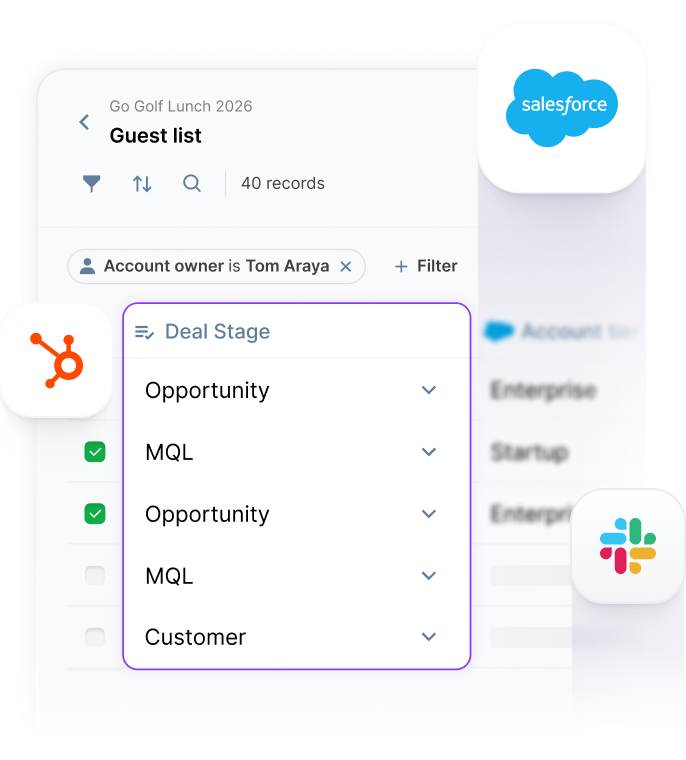
Shared table: AEs nominate where you're already building. Not over Slack or emails.
AI-powered scoring: Write what a good fit looks like to score and tier the list.
Tiered invite waves: Tier 1 invites go out first, Tier 2 auto-activates if slots are unfilled.
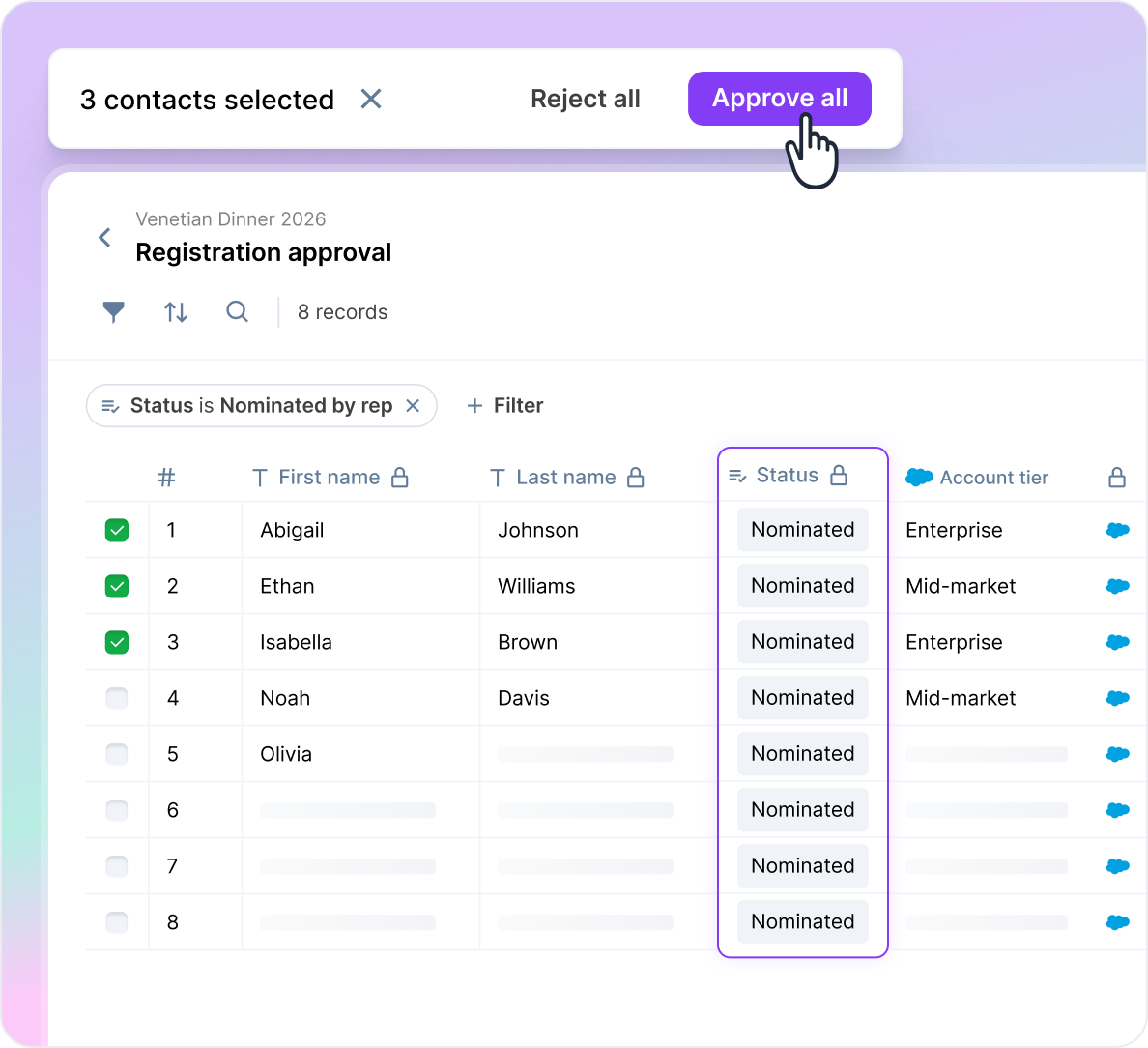
Guest List Approval
Live CRM context: Account tier, rep notes visible where you approve. No tab-switching.
Custom statuses: Approved by X, TBD by Y. Name statuses that fit your workflow.
Actions follow decisions: Speaker approved, session creates and email invites follow.
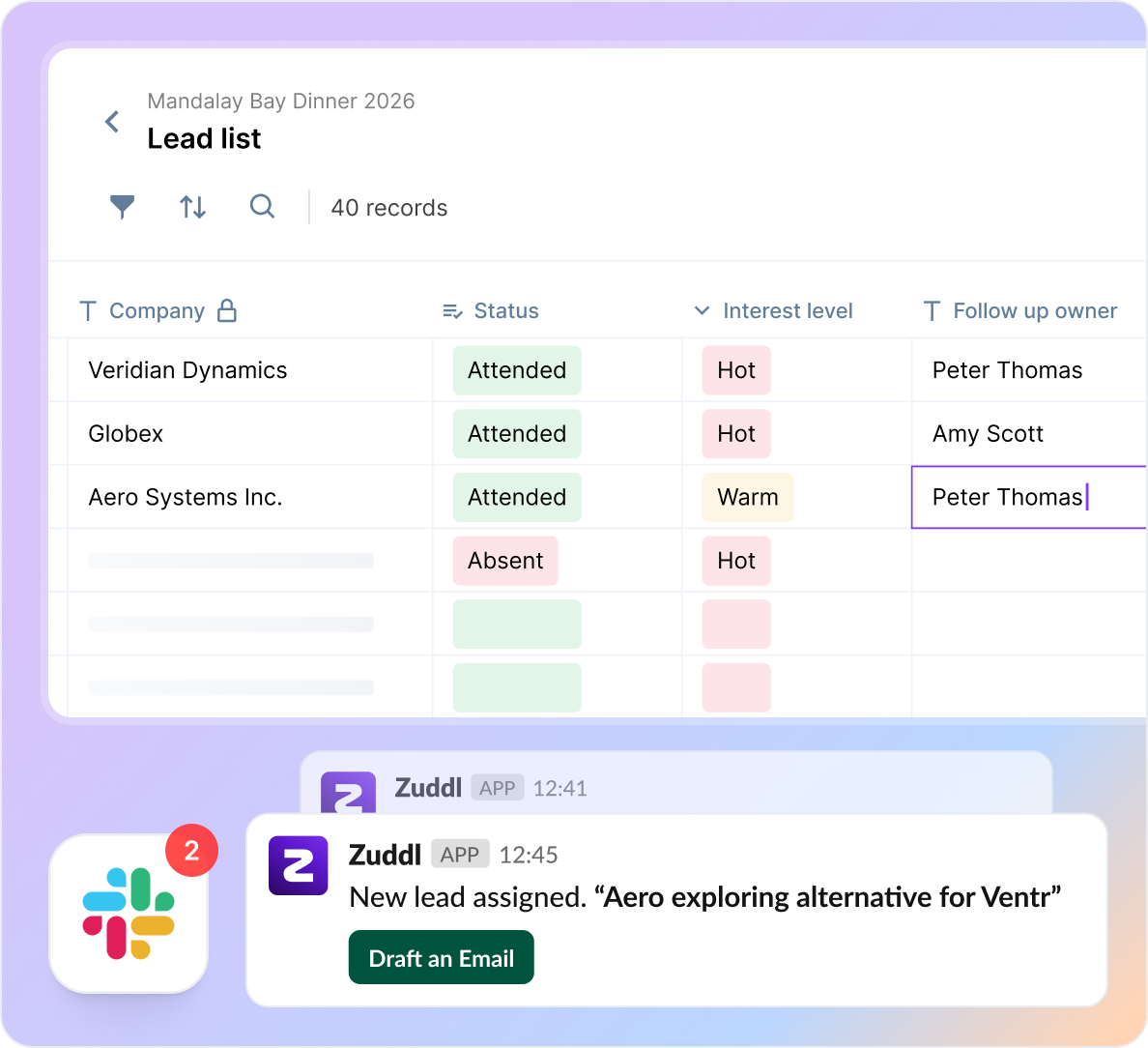
Lead Follow-up
In-table lead assignment: No manual handoffs, assign leads to reps in the same table.
Follow-Up agent: Alerts reps to follow-up. Escalates when reps don't act on the lead.
AI outreach: Follow-up drafts created from rep notes and attendance data.
Invite List Building
Shared table: AEs nominate where you're already building. Not over Slack or emails.
AI-powered scoring: Write what a good fit looks like to score and tier the list.
Tiered invite waves: Tier 1 invites go out first, Tier 2 auto-activates if slots are unfilled.
Guest List Approval
Live CRM context: Account tier, rep notes visible where you approve. No tab-switching.
Custom statuses: Approved by X, TBD by Y. Name statuses that fit your workflow.
Actions follow decisions: Speaker approved, session creates and email invites follow.
Lead Follow-up
In-table lead assignment: No manual handoffs, assign leads to reps in the same table.
Follow-Up agent: Alerts reps to follow-up. Escalates when reps don't act on the lead.
AI outreach: Follow-up drafts created from rep notes and attendance data.

I know that the whole team is drooling right now.
Leading health tech running 100+ events a year
First reaction from event teams like yours


Adi Gorelik
Brand & Communications Manager

63%
of the audience stayed for the entire event


Bri Molina
Events Marketing Manager

54%
Increase in App Adoption


Brad Brown
Senior Director of Marketing and Sales Ops

46%
Growth in new pipeline


Varun Singh
Head of Marketing

50%
Increase inTurnout


Mike Delaney
Director of Brand Experience
50%
Time Saved on Setup


Sarah Kunzer
Acquisition Manager
40%
Attendance Rate
FAQs
If you're on spreadsheets: you're missing live CRM data, column-level permissions, audit trails, and any workflow automation - every event means another CSV export and manual upload to Marketo. If you're on an event platform like Splash, Cvent, or Luma: you get registration, but not CRM-native context in every row, not AI scoring, not column-level access for external collaborators, and not an agent that enforces rep follow-up after the event. Smart Tables closes the gap between your CRM and your event that no other tool covers end to end.
No. Agencies, sponsors, and partners verify by email with a 6-digit code and get scoped access - they see and edit only the columns you give them. No login, no license, no PII risk.
Salesforce, Marketo, HubSpot, and Snowflake connect natively. CRM fields auto-populate in every row. Invite waves push directly to your MAP. LinkedIn-based city enrichment resolves contact location for field event targeting.
Yes. Zuddl-sourced columns are locked by default. You choose which fields collaborators can edit. Editor role can trigger actions like approve/reject. Contributor role can add notes and data. Column-level, not just sheet-level.
Minutes. Upload a CSV or connect a Salesforce list. CRM fields auto-populate. Configure statuses, permissions, and action buttons. Share with collaborators via email. No implementation project required.
Backed by enterprise-grade security and protection
Zuddl meets global privacy standards, including GDPR, CCPA, SOC 2, and ISO, ensuring transparency and lawful data handling. Our security measures follow industry best practices for data protection and risk management.
