This month’s updates focus on the moments that usually slow teams down - communications, calendars, approvals, and payments and make them work effortlessly at scale.
This Product Pulse walks through what’s new and why it matters for teams running high-volume, high-impact events.
Send Session-Level Calendar Invites for Attendees
A single calendar block for the entire event helps with planning, but once the event is underway, attendees need session-specific calendar invites to manage their time and priorities.
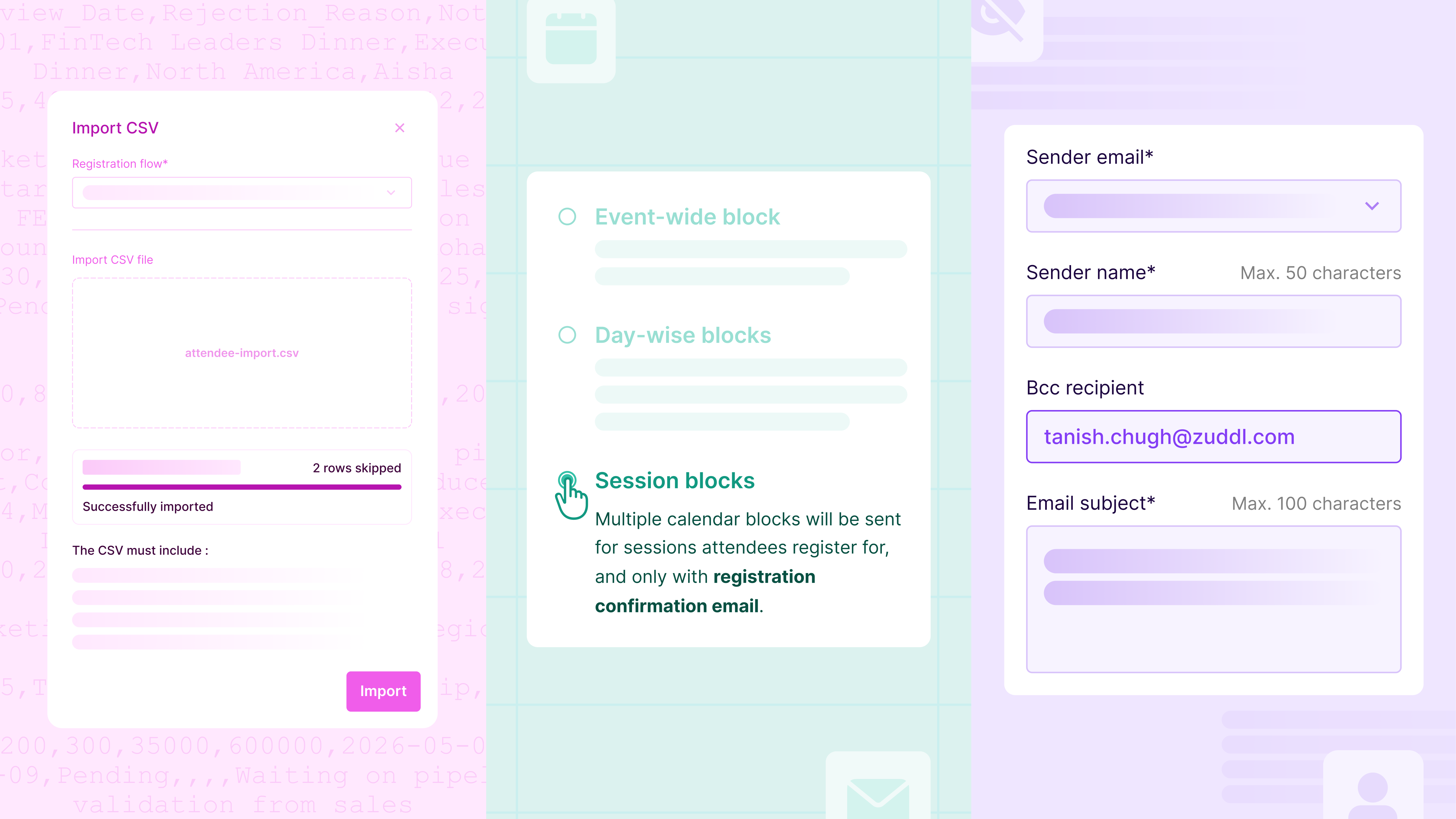
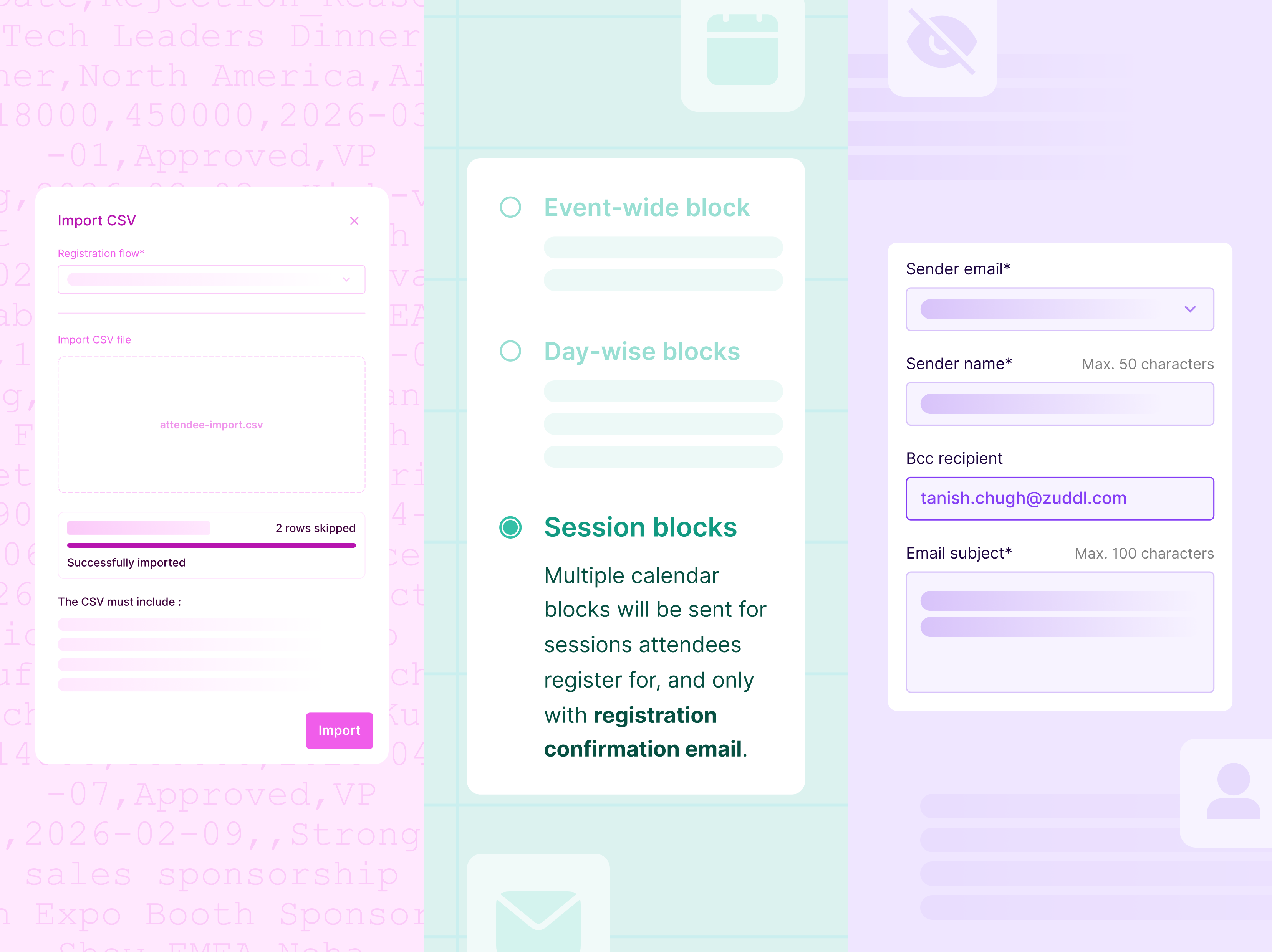
In addition to event-wide & day-wise blocks, a new session block configuration has been added to the calendar invites page. These invites are sent automatically immediately after session registration confirmation and remain in sync if updates/modifications occur later.
Organizers can also customize how each session appears in the calendar - title, description, timing, and location, ensuring invites are clear and actionable. To maintain consistency, session invites are delivered through a dedicated communication: “New sessions added to your agenda.”
Why this matters
- Reduces calendar noise and attendee confusion
- Keeps calendars up to date as registrations change
- Improves session attendance and preparedness
Keep Internal Teams in the Loop with BCC for Event Emails
Event communications often need visibility beyond attendees. Sales, marketing, operations, or compliance teams may need access to outgoing emails, but forwarding messages or recreating sends creates unnecessary overhead and introduces opportunities for error.
With BCC support for standard and custom emails, organizers can now automatically include internal recipients on attendee communications. BCC recipients receive an exact copy of the email, remain completely hidden from attendees, and are configured directly at the email level.
This capability also supports enterprise requirements to retain or share communication records without affecting the attendee experience.
Why this matters
- Gives teams instant visibility into attendee communications
- Eliminates manual re-sending or forwarding
- Meets enterprise audit and compliance needs
Approve or Reject Attendees at Scale with CSV Uploads
Approval-based events work well until request volume spikes. Manually approving attendees one by one quickly becomes a bottleneck for operations teams.
With bulk approval updates via CSV, organizers can now process approvals in one go. Pending requests can be downloaded as a CSV file. Process them in Excel or another spreadsheet, update them with approval decisions, and re-upload for immediate processing. For better visibility, all approval requests - Pending, Approved, and Rejected - can be downloaded in a single file.
Why this matters
- Saves hours of manual approval work
- Keeps workflows auditable and predictable
Use Your Preferred Payment Gateway Without Native Integrations
Payment requirements vary widely across regions and organizations. Although Zuddl supports native integrations with Stripe, Cybersource, and PayPal (OOTB), waiting for additional native integrations can delay launches or force teams into suboptimal payment setups.
With Custom Payment Gateways, organizers can connect their own external payment providers, such as Bluesnap, Klarna, Adyen, Braintree, Helcim, Payline, Razorpay, and Shift4, directly at the organization level. Once configured, these gateways behave like native options within events.
During checkout, purchasers are securely redirected to the organizer’s hosted payment page. Zuddl listens for real-time payment status updates and automatically guides buyers through confirmation or failure flows.
Why this matters
- Enables region and org-specific payment flexibility
- Removes dependency on platform integrations
- Keeps checkout experiences seamless and secure
Improvements
Marketo Integration: Default Folder per Base Program
You can now define a default Marketo folder per base program. This ensures every new or duplicated event creates its Marketo program in the correct folder, without extra setup or cleanup at scale. Read more.
4×4 Badge Support in the Onsite App
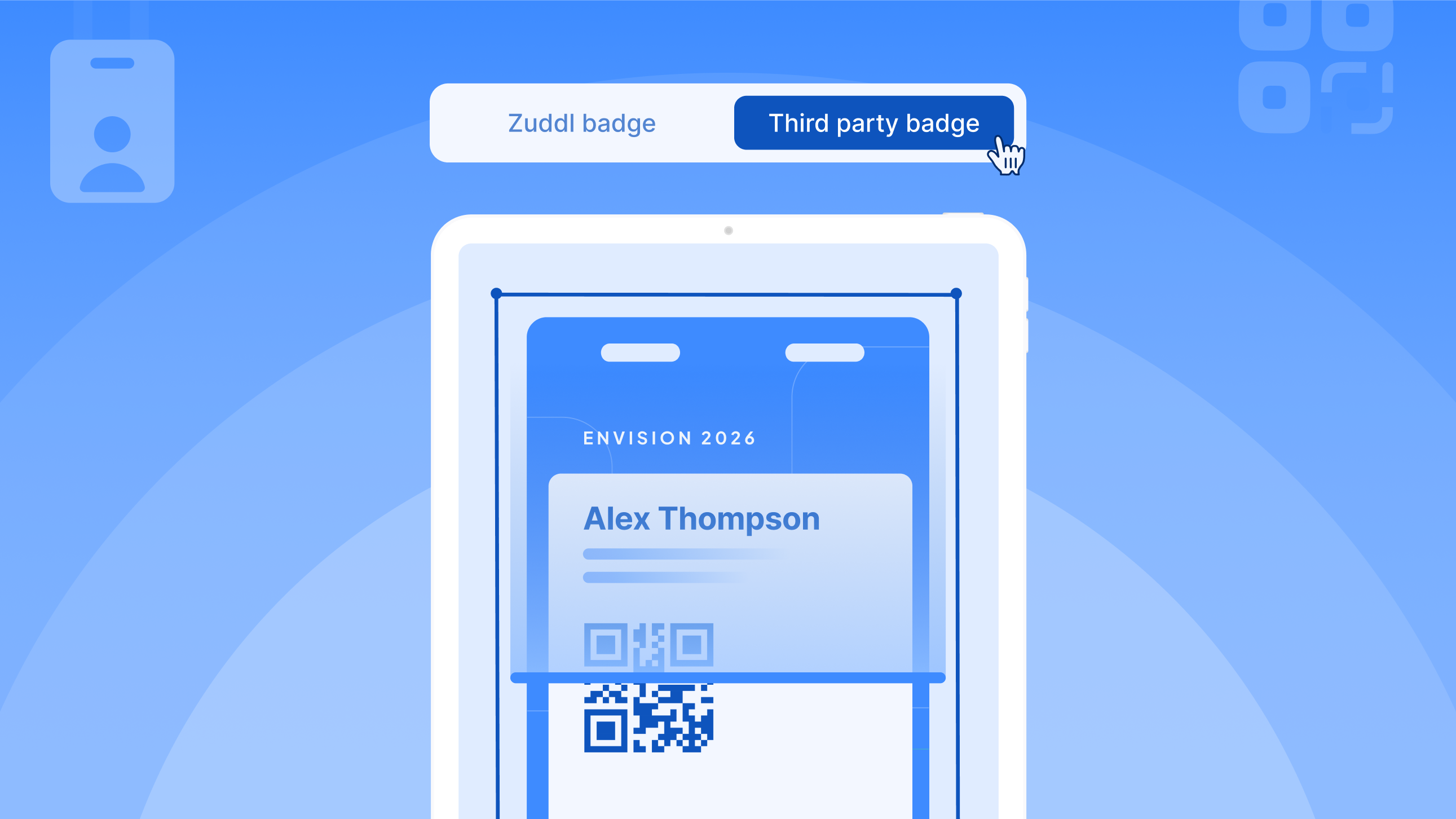
Support for 4×4 badge printing using compatible Zebra printers is now available in the Onsite App. This gives organizers greater flexibility in badge layouts during on-site check-ins.
Enhanced Networking Preferences
Attendees can now specify what they’re offering and what they’re looking for directly in their networking profiles. These signals power more relevant networking recommendations and better matchmaking.


Subscribe to our blog now!