Watch On Demand
Back To All Articles

April Product Pulse: File Uploads, Smarter Check-In, and Attendee-Led Cancellations

Zuddl's April updates give organizers native file collection in registration flows, badge-free check-in at third-party events, and attendee self-cancellation - plus sharper integrations across Slack, HubSpot, and Salesforce.
Product Pulse

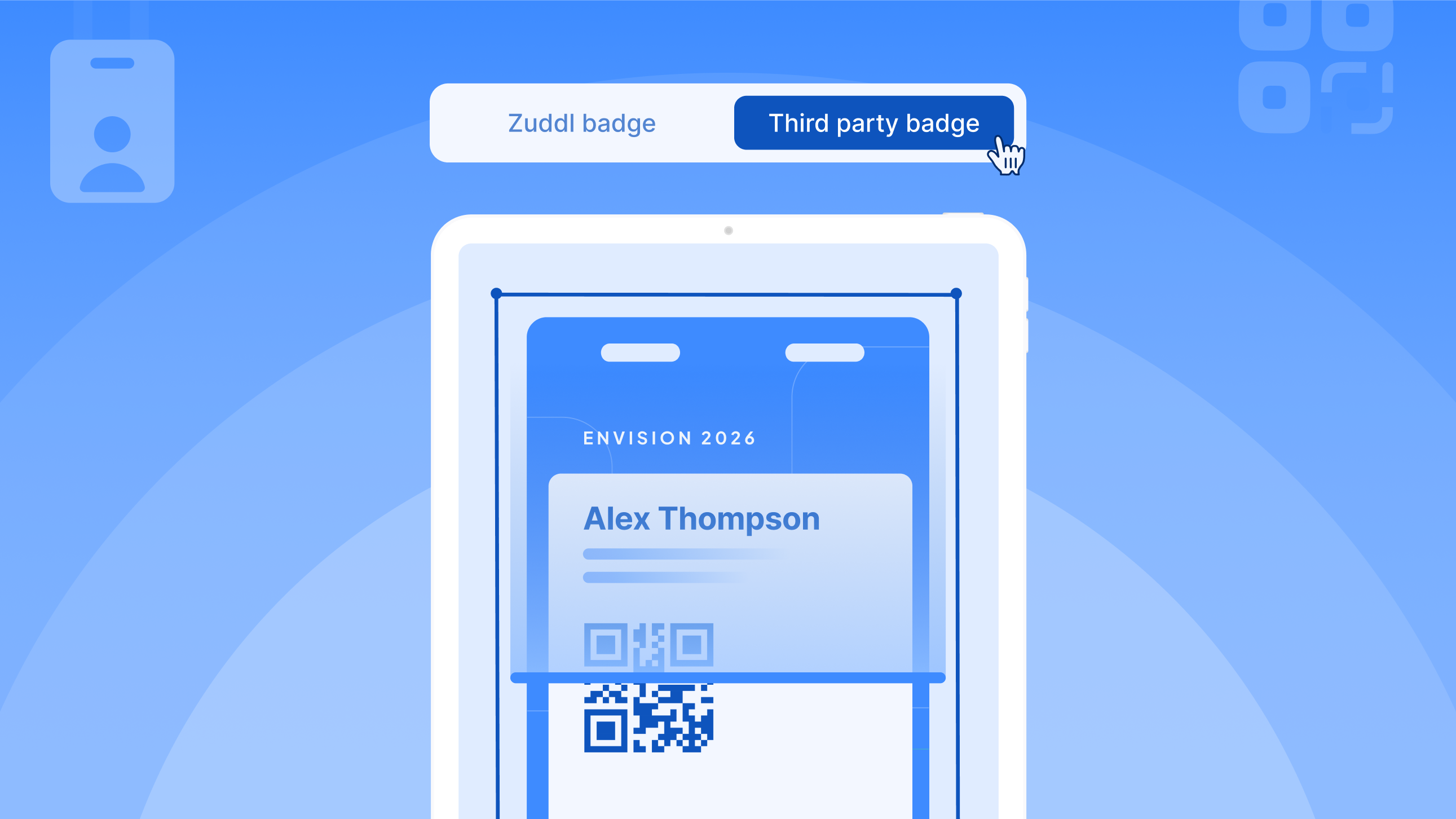
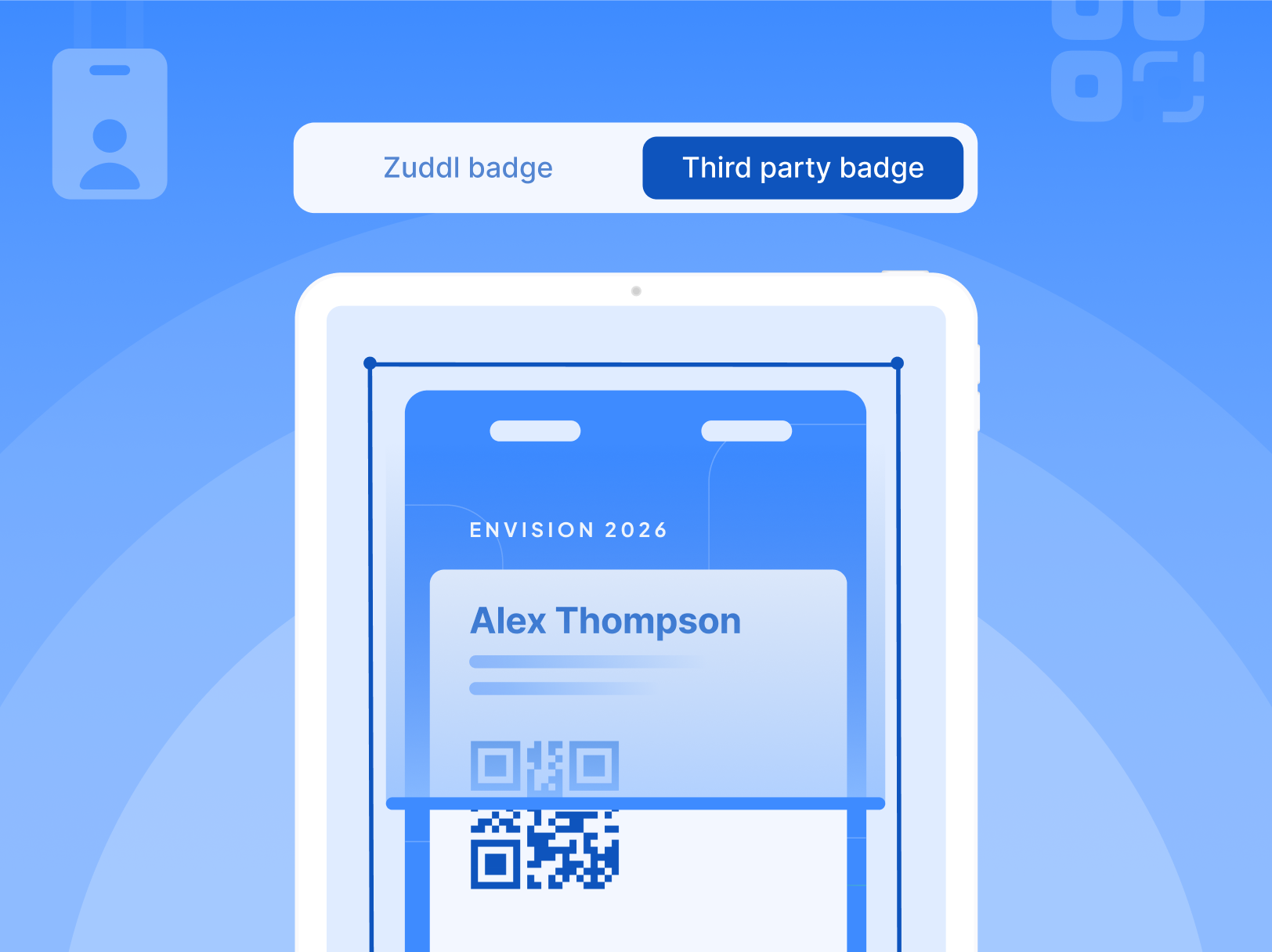
Scan Any Badge and Check In Event Attendees

Enable Third-party Event Badge Scanner in your check-in settings, and the Zuddl onsite app can scan any physical badge - from any event. OCR reads the attendee's name and available details. The app matches that against your field event registrations in real time.

Match found - check-in completes in one tap. No match - the scanned data pre-fills the registration form. Staff review, submit, and the attendee is processed as a walk-in on the spot.

What this changes:

  • Attendees no longer need a Zuddl-issued QR code to check in
  • Walk-in processing at third-party events becomes fast and structured
  • Manual name lookup - the slowest, most error-prone step at any door - is removed

Current release: Online mode only. Kiosk mode and offline support are in progress.

Collect Documents During Registration At Ease

Organizers can now add a file upload field to any registration flow. Choose the allowed file types - JPG, PNG, or PDF - set a size limit between 1 MB and 10 MB, and the field is live. Attendees upload during registration. Files appear immediately in People > Attendees, approval queues, and pending registration tables - from the moment the form is submitted.

For teams running approval flows, this matters more than it might seem. Files arrive with the registration, not after a follow-up thread.

What this changes:

  • Document collection becomes part of registration, not a separate process after it
  • Approval decisions can be made with complete information from day one
  • Operations teams manage files directly in the platform, without external links or shared drives

Available for all event types, live now. Note: Files are not included in CSV exports or sent via integrations.

Let Attendees Cancel Registrations By Themselves

Cancellations often happen in response to a calendar invite or an email to the organizer. Capacity stays reserved. Reporting stays stale.

Organizers can now enable self-cancellation with a single toggle. Attendees cancel from a link in their confirmation email, calendar invite, or from the modify registration page. They select a reason, confirm, and access is revoked immediately. Cancelled registrations appear in People > Attendees under a dedicated status filter.

What this changes:

  • Cancellations no longer require organizer intervention to process
  • Capacity is released in real time, not with a delay
  • Reporting accuracy improves without additional manual work

Note: Available only for non-ticketed flows.

Improvements

Slack Notifications, Configured Per Event

Each event can now send Slack notifications to its own dedicated channel - or inherit the org-level one. Notifications can be disabled per event, and types (Registered, Attended, Pending for Approval) toggled individually. When the org-level channel changes, events using it update automatically. Events with a custom channel are unaffected.

Network Pre-Checks Before You Go Live

The Enter Studio screen now runs connectivity and audio/video checks before the session starts. Issues surface immediately with troubleshooting guidance. If the organizer proceeds with an unresolved issue, a warning indicator stays visible on the affected control throughout the session.

Auto-Enable HubSpot for Every New Event

HubSpot can now activate automatically for every new or duplicated event. New events inherit the global configuration. Duplicated events carry over the source event's field mappings. No per-event setup required.

AI-Powered CSV Column Mapping

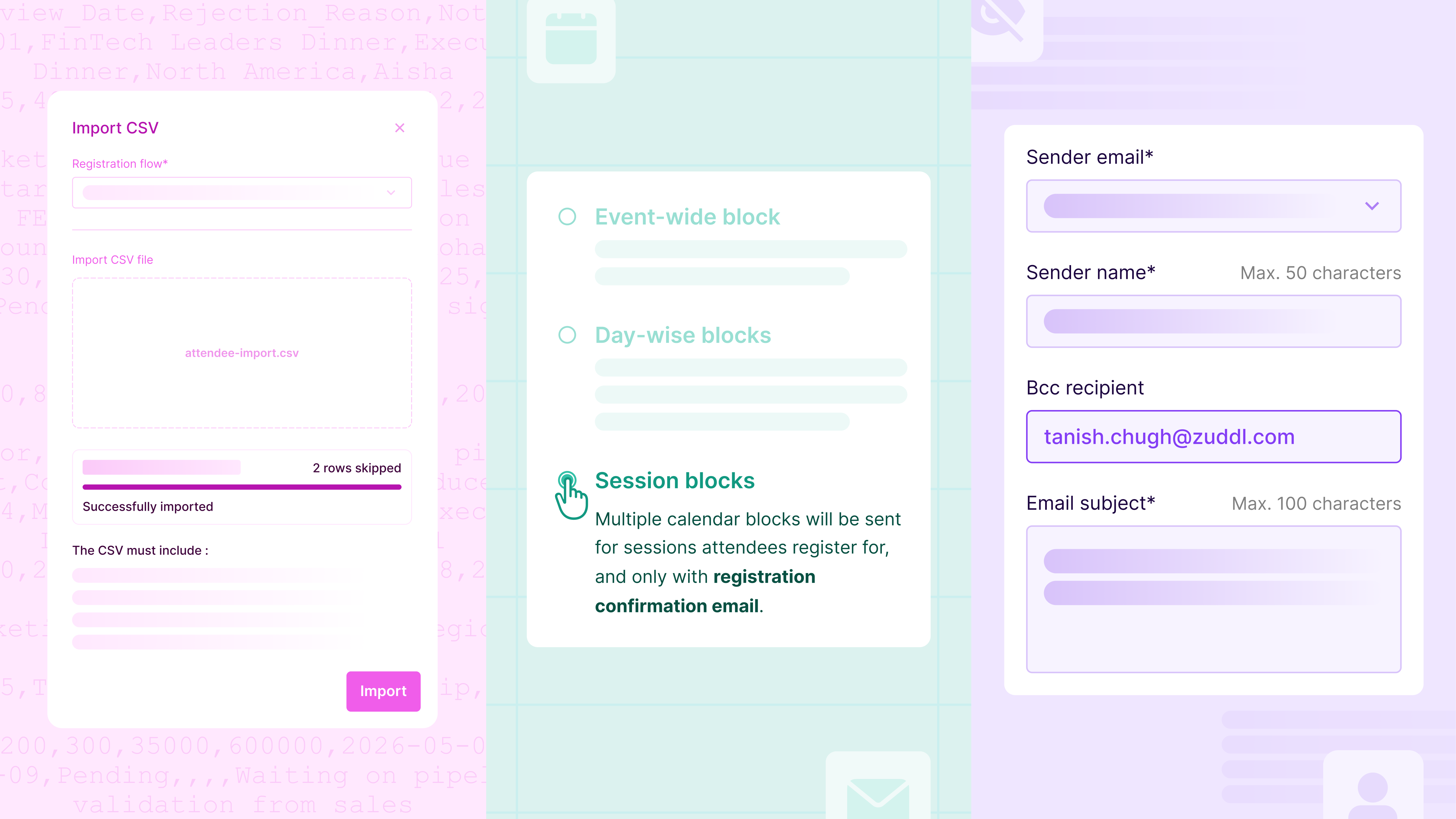
When AI is enabled, the platform auto-maps CSV headers to the expected fields before review. Confident matches are applied. Uncertain fields are flagged as Needs Review. Unrecognized headers are marked Skipped. The review step stays - the manual mapping before it doesn't.

Salesforce Campaign Search by Name

Campaigns in the Salesforce integration can now be searched and selected by name. No switching tabs to look up IDs - though search by ID still works for teams that prefer it.

Subscribe to our blog

Book A Demo
Deliver your best event ever with Zuddl

Subscribe to our blog now!

Get fresh ideas, actionable insights and expert guidance for B2B events delivered directly to your inbox!

April Product Pulse: File Uploads, Smarter Check-In, and Attendee-Led Cancellations

Product Pulse

Scan Any Badge and Check In Event Attendees

Enable Third-party Event Badge Scanner in your check-in settings, and the Zuddl onsite app can scan any physical badge - from any event. OCR reads the attendee's name and available details. The app matches that against your field event registrations in real time.

Match found - check-in completes in one tap. No match - the scanned data pre-fills the registration form. Staff review, submit, and the attendee is processed as a walk-in on the spot.

What this changes:

  • Attendees no longer need a Zuddl-issued QR code to check in
  • Walk-in processing at third-party events becomes fast and structured
  • Manual name lookup - the slowest, most error-prone step at any door - is removed

Current release: Online mode only. Kiosk mode and offline support are in progress.

Collect Documents During Registration At Ease

Organizers can now add a file upload field to any registration flow. Choose the allowed file types - JPG, PNG, or PDF - set a size limit between 1 MB and 10 MB, and the field is live. Attendees upload during registration. Files appear immediately in People > Attendees, approval queues, and pending registration tables - from the moment the form is submitted.

For teams running approval flows, this matters more than it might seem. Files arrive with the registration, not after a follow-up thread.

What this changes:

  • Document collection becomes part of registration, not a separate process after it
  • Approval decisions can be made with complete information from day one
  • Operations teams manage files directly in the platform, without external links or shared drives

Available for all event types, live now. Note: Files are not included in CSV exports or sent via integrations.

Let Attendees Cancel Registrations By Themselves

Cancellations often happen in response to a calendar invite or an email to the organizer. Capacity stays reserved. Reporting stays stale.

Organizers can now enable self-cancellation with a single toggle. Attendees cancel from a link in their confirmation email, calendar invite, or from the modify registration page. They select a reason, confirm, and access is revoked immediately. Cancelled registrations appear in People > Attendees under a dedicated status filter.

What this changes:

  • Cancellations no longer require organizer intervention to process
  • Capacity is released in real time, not with a delay
  • Reporting accuracy improves without additional manual work

Note: Available only for non-ticketed flows.

Improvements

Slack Notifications, Configured Per Event

Each event can now send Slack notifications to its own dedicated channel - or inherit the org-level one. Notifications can be disabled per event, and types (Registered, Attended, Pending for Approval) toggled individually. When the org-level channel changes, events using it update automatically. Events with a custom channel are unaffected.

Network Pre-Checks Before You Go Live

The Enter Studio screen now runs connectivity and audio/video checks before the session starts. Issues surface immediately with troubleshooting guidance. If the organizer proceeds with an unresolved issue, a warning indicator stays visible on the affected control throughout the session.

Auto-Enable HubSpot for Every New Event

HubSpot can now activate automatically for every new or duplicated event. New events inherit the global configuration. Duplicated events carry over the source event's field mappings. No per-event setup required.

AI-Powered CSV Column Mapping

When AI is enabled, the platform auto-maps CSV headers to the expected fields before review. Confident matches are applied. Uncertain fields are flagged as Needs Review. Unrecognized headers are marked Skipped. The review step stays - the manual mapping before it doesn't.

Salesforce Campaign Search by Name

Campaigns in the Salesforce integration can now be searched and selected by name. No switching tabs to look up IDs - though search by ID still works for teams that prefer it.

Subscribe to our blog

Book A Demo

Subscribe to our blog now!

Get fresh ideas, actionable insights and expert guidance for B2B events delivered directly to your inbox!

Our curated hub of inspiration

Take control of your virtual event production with Zuddl.
Own every step from registrations to approvals with Zuddl.
Own your event app from branding to CRM sync with Zuddl.
Book a Demo
Book A Demo
Book A Demo
Steph’s tip for event marketers: 
Bring a simple cost-savings table like this: 
Line Item
2024 Cost
2025 Cost(after negotiation)
Cost Savings
Venue package
$200k
$170k
$30k
Lead capture tech
$18k
$12k
$6k
Then say, “This $36K savings covers the increase I’m asking for.”