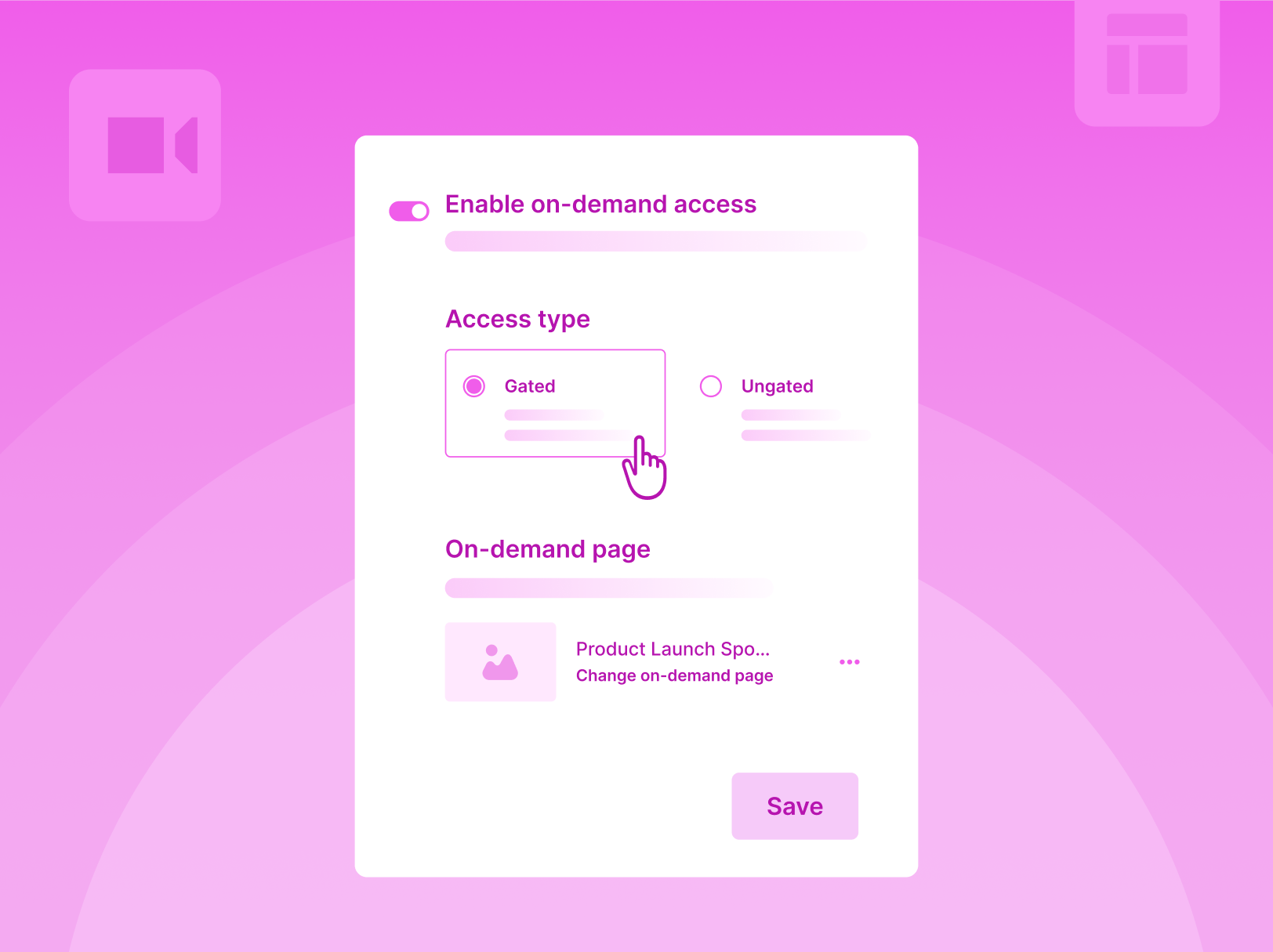
Auto-Publish Gated On-Demand Recordings For Live & Simulive Sessions
Until now, getting an on-demand webinar live meant a separate workflow - configuring the on-demand page, manually publishing the recording, rebuilding the registration funnel if the content was gated. Three steps that had no reason to be separate.
That's gone. In continuation to the On-Demand experience, here are a few updates.
Auto-publish recordings, be it a live webinar or a simulive session. Recordings go live on the on-demand page the moment they are processed. No follow-up action, no manual publishing step. Organizers who want to review before publishing can turn off auto-publish in settings - a clear "Publish On-Demand Page" CTA surfaces when the session ends. The control is still there, it's just no longer the default bottleneck.
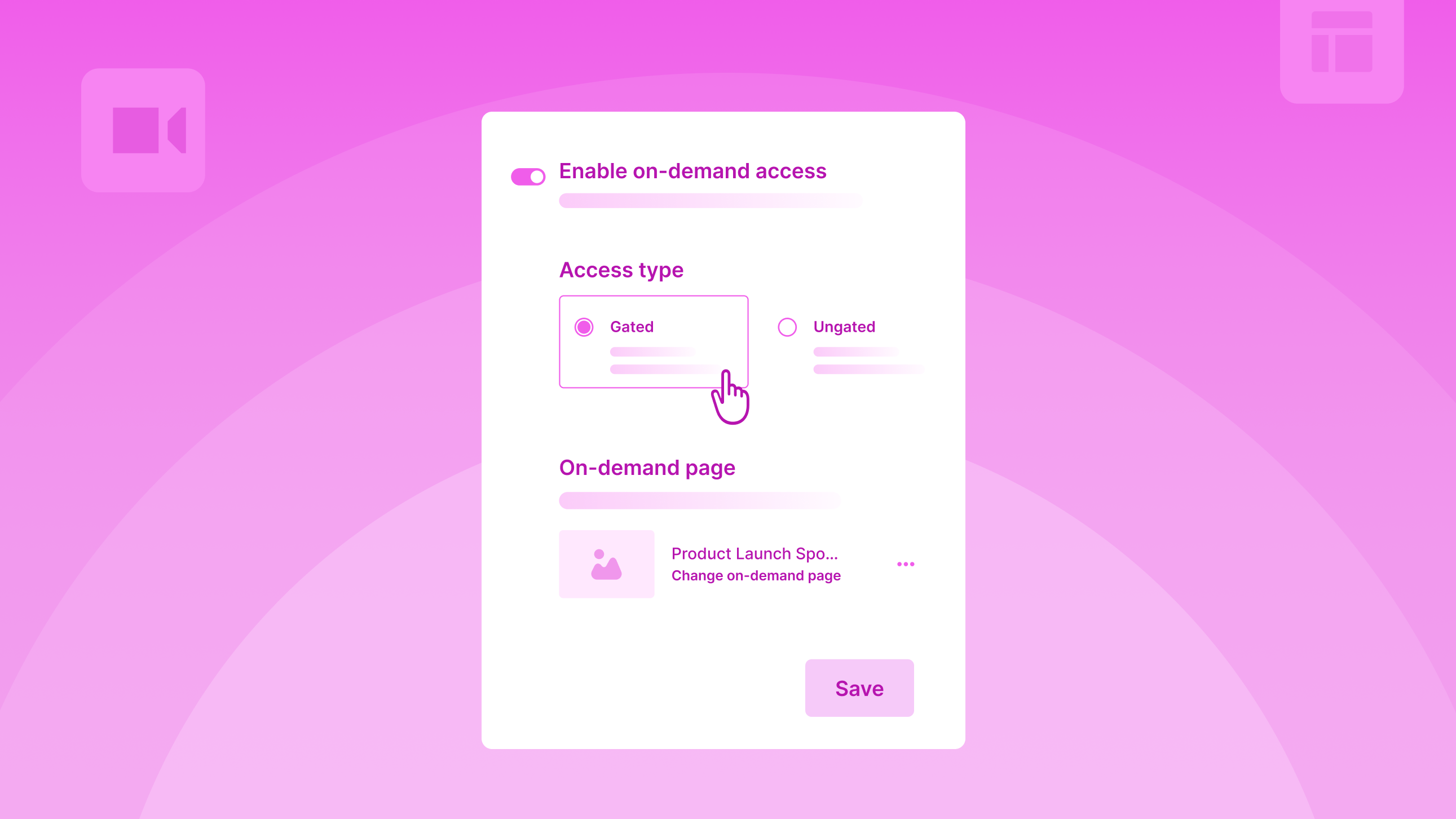
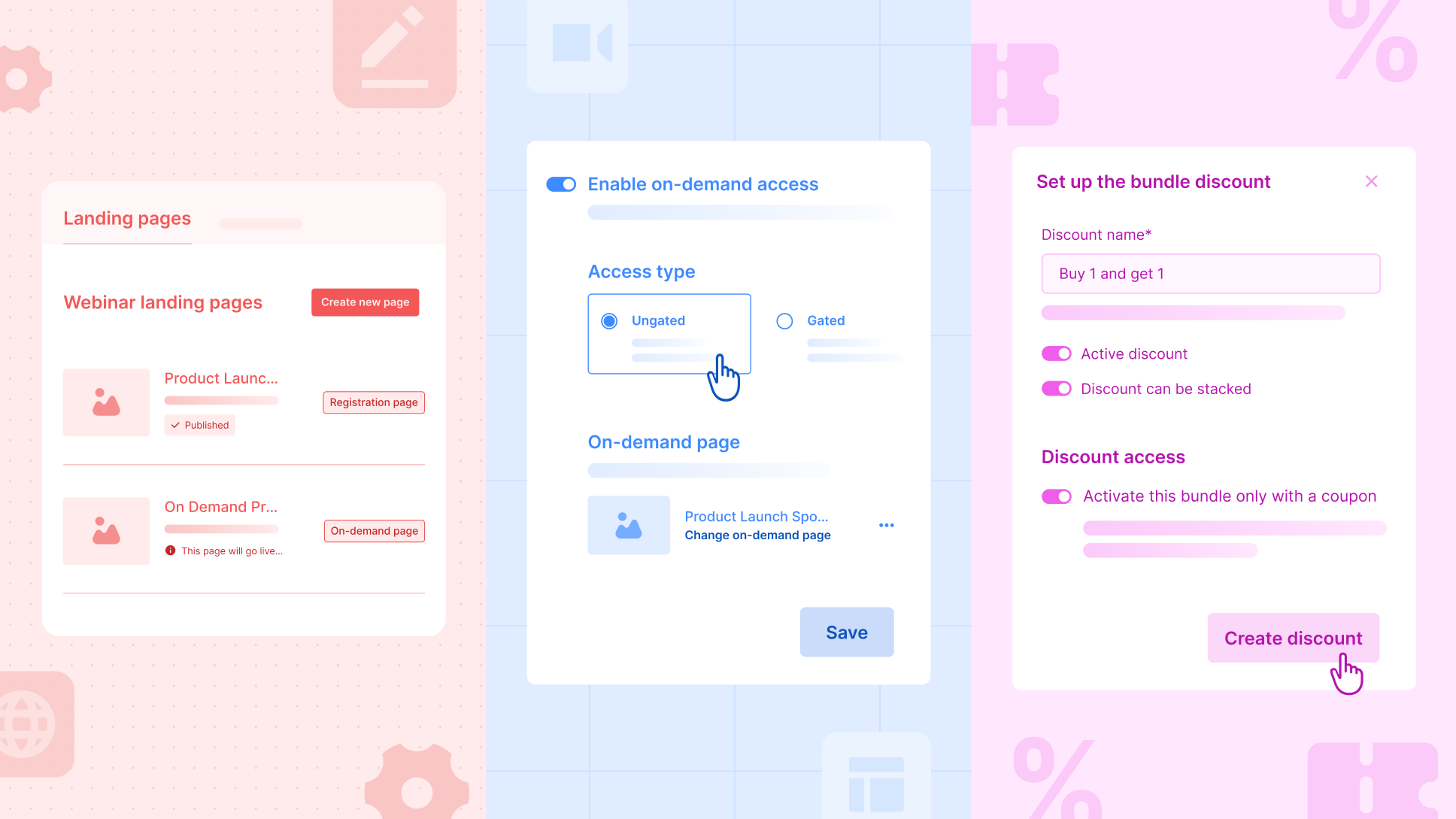
Gated on-demand without rebuilding the funnel. Gated webinars are now equipped with a dedicated on-demand setup section. Organizers can either reuse the existing registration page or create a custom on-demand page. For attendees, the experience stays simple - same link, register or log in, watch.
What this changes:
- Replays go live without an organizer remembering to push them
- Gated webinars stop forcing a tradeoff between speed and branding
- The window between session end and replay availability collapses
Enhancements
BCC Up to 5 Recipients per Email
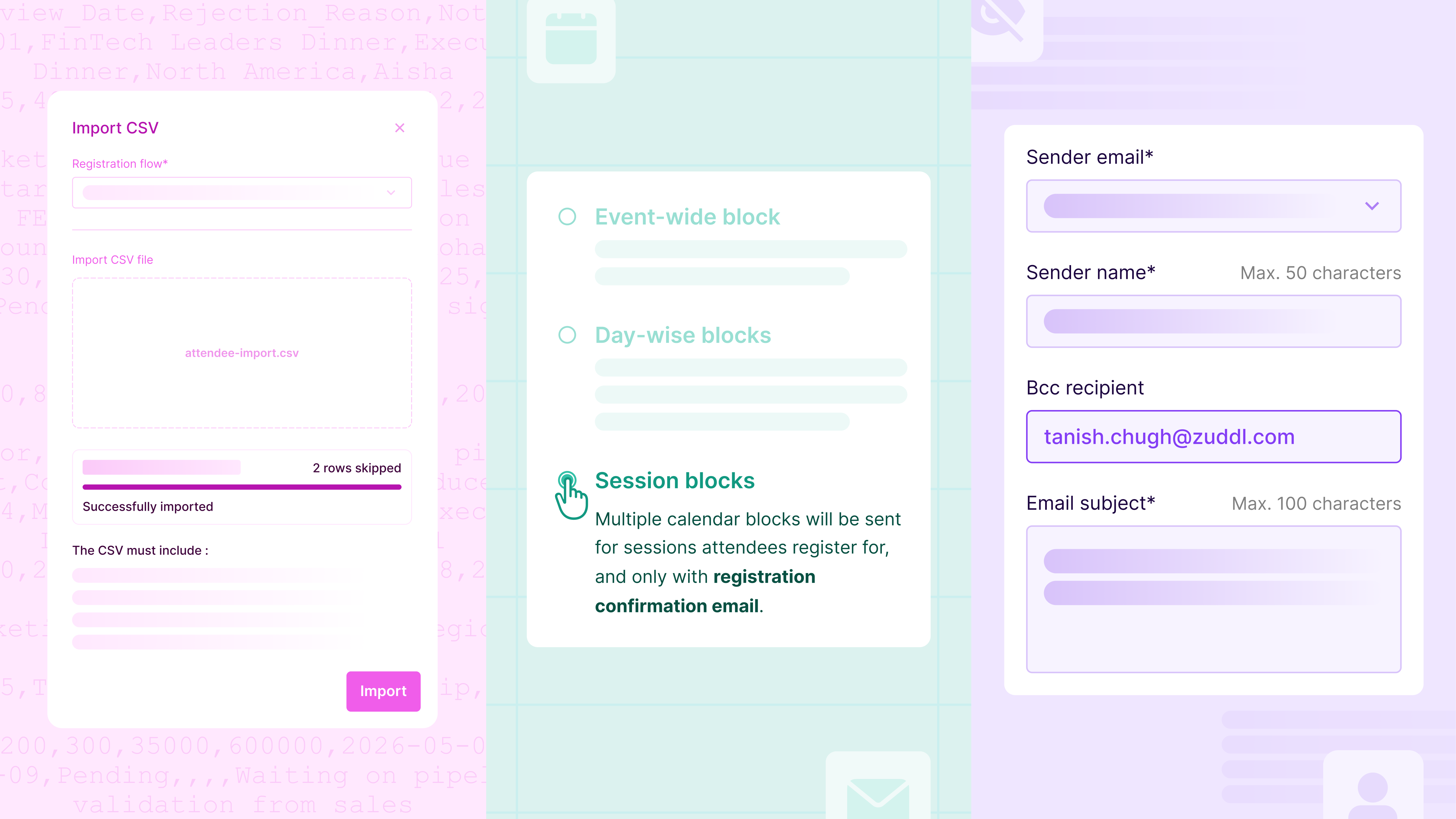
Event communications rarely have one stakeholder - account managers, CSMs, regional leads, and partners often need visibility on the emails being sent. Organizers can now BCC up to five emails, removing the need for manual forwards or screenshot threads after the send.
Multi-Line Form Fields in Flow Builder
Some registration questions don't fit on one line - mailing addresses, dietary requirements, accessibility notes. The Registration Flow Builder now supports a text area field type that accepts multi-line input with a taller field height and line-break support.
Configurable Survey Rating Scales
Not every survey fits a 1–5 scale - NPS needs 0-10, quick pulse checks work better at 1-3. Organizers can now configure rating scales per rating type question - minimum stays at 1, maximum can be set anywhere from 3 to 10. Attendee-facing surveys render the configured scale dynamically across both web and mobile.
UTMs in Attendees and Approvals Tables
Attribution data was always captured - it just wasn't easy to see at the row level. The attendees and approvals tables now show UTM parameters (utm_source, utm_medium, utm_campaign, etc) as columns. Attribution lives in the same view organizers already use to triage registrations, approve attendees, and pull lists.
Conference and Third-Party Event Duplication Includes Integrations
For teams running field events, ancillary sessions, or partner-hosted events at tradeshows, event setups are duplicated repeatedly. Integrations now duplicate alongside the event itself - no reconfiguring from scratch each time.
- Salesforce - only the campaign ID needs to be updated after duplication.
- Marketo - choose to copy the original program or start fresh from a base program.


Subscribe to our blog now!